Stop chatting.
Start making plans.
Planch is the app where you meet people through what you do together, not how you look in a photo. Create a plan or join one.
Step by step
How it works
A Planch plan, from start to finish.
-
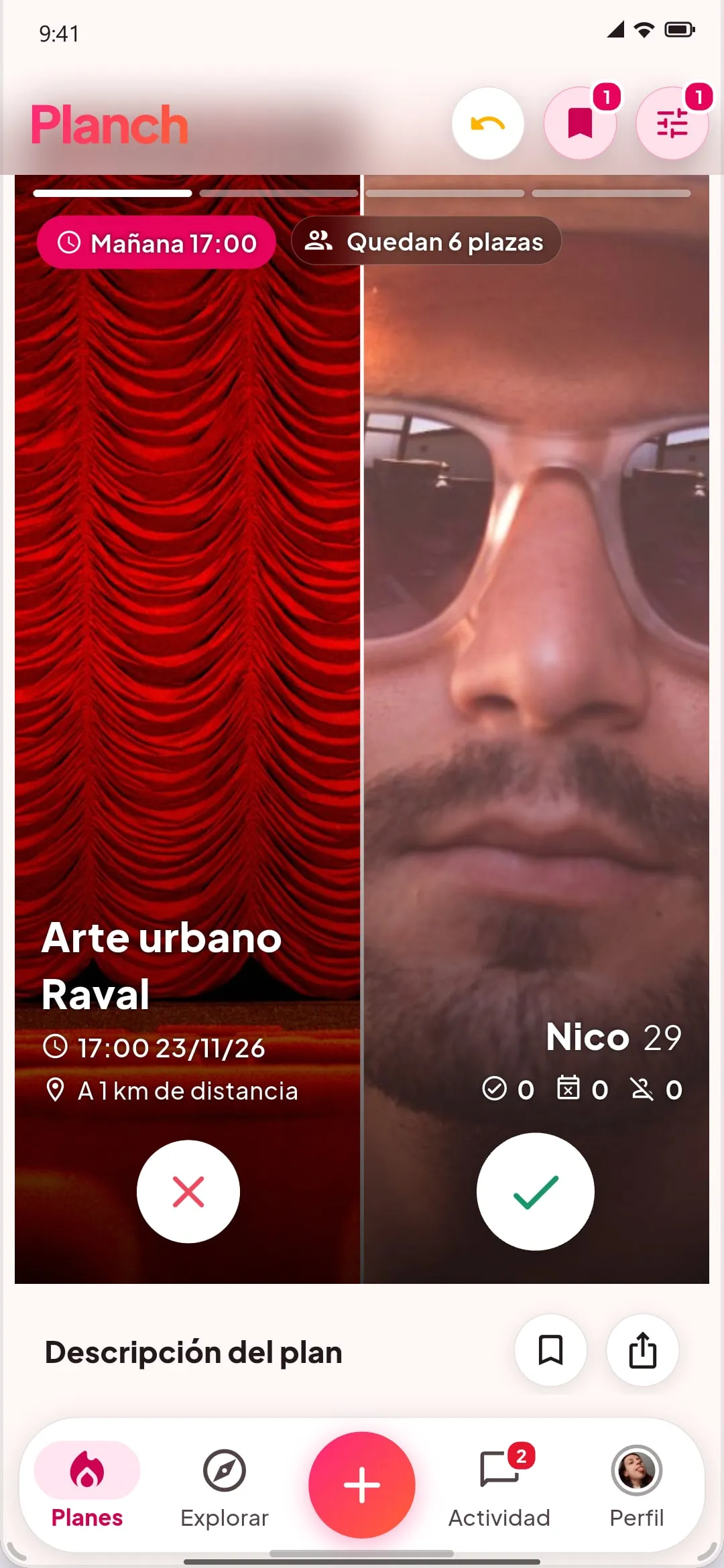
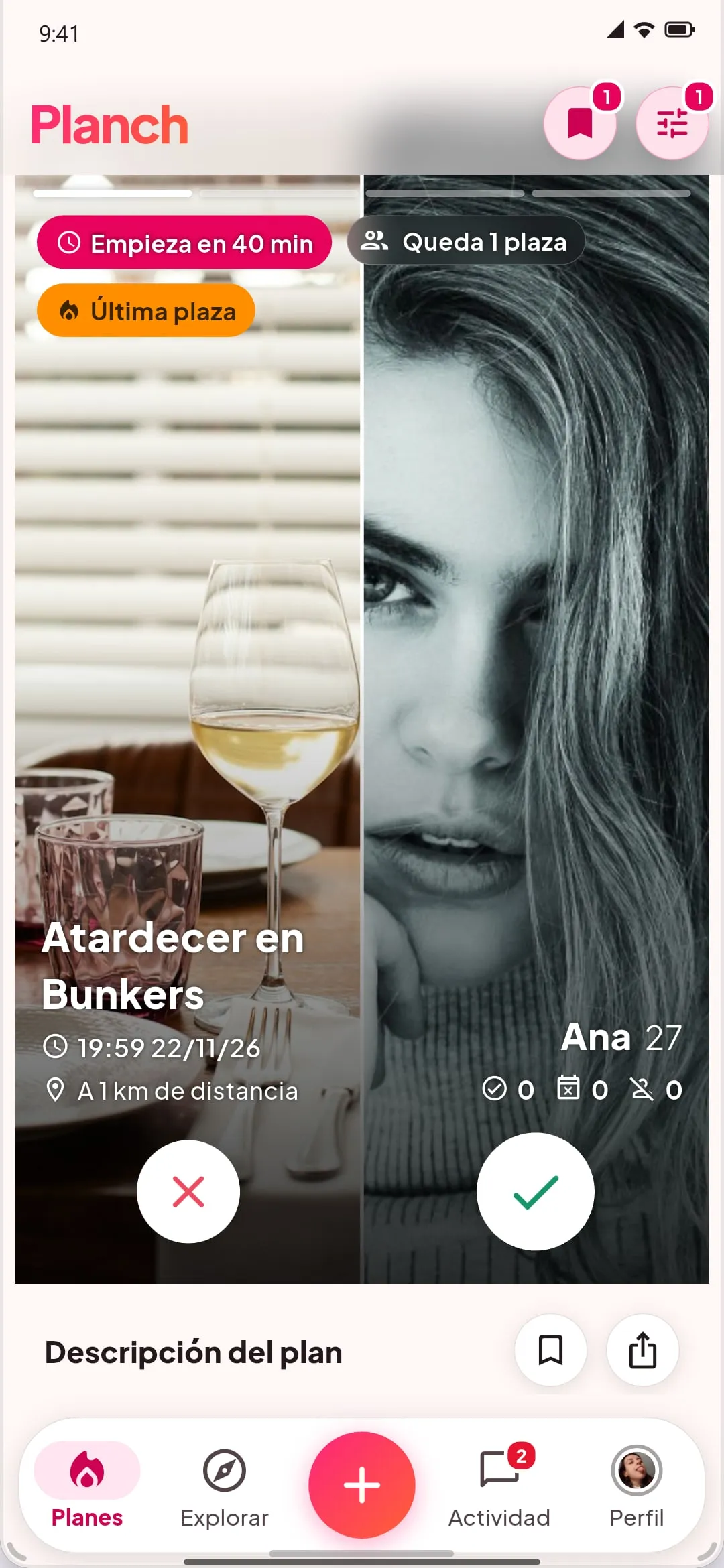
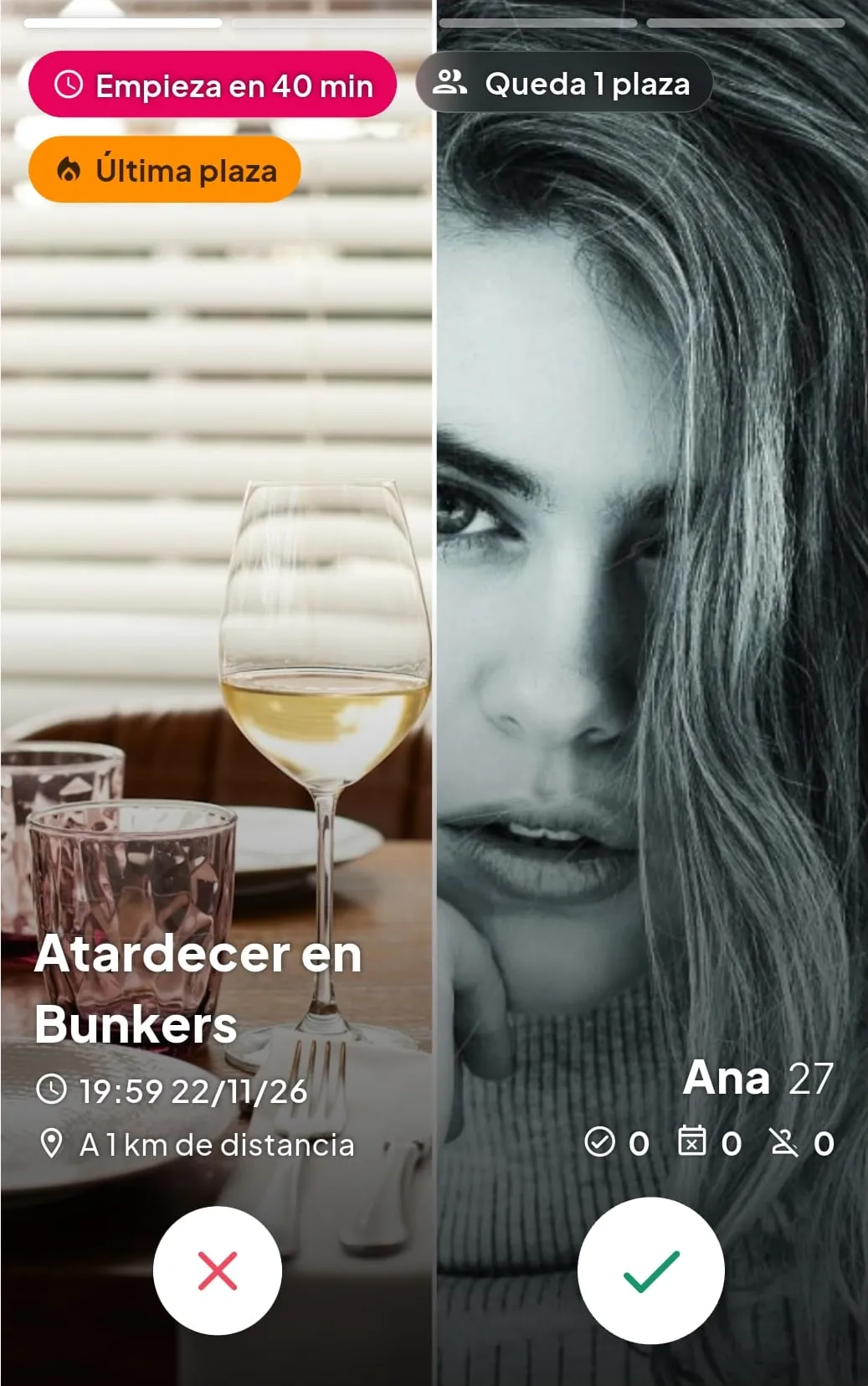
1 Join the plans you like
Swipe right on the plans you fancy. You can join several, as long as there are at least 2 hours between them.
-
2 The organiser accepts you
The plan's creator checks your profile and accepts you. They have 48 hours to reply. If the plan has automatic acceptance, you're in straight away.
-
3 Chat and sort the details
The plan's chat opens, one-to-one or in a group, to get to know each other and settle the details. If something comes up, the plan can be cancelled with no penalty for anyone up to 48 hours before. After that it still can, but it adds a cancellation to your track record.
-
4 Confirm you've arrived
When you get there, each of you confirms it in the app with "I'm here". It opens 15 minutes after the start time and you have up to 2 hours from the start.
-
5 Have fun!
Enjoy it. The plan adds to your track record of plans done and… on to the next one.
The app
A look inside Planch
Real screenshots from the app (in Spanish).
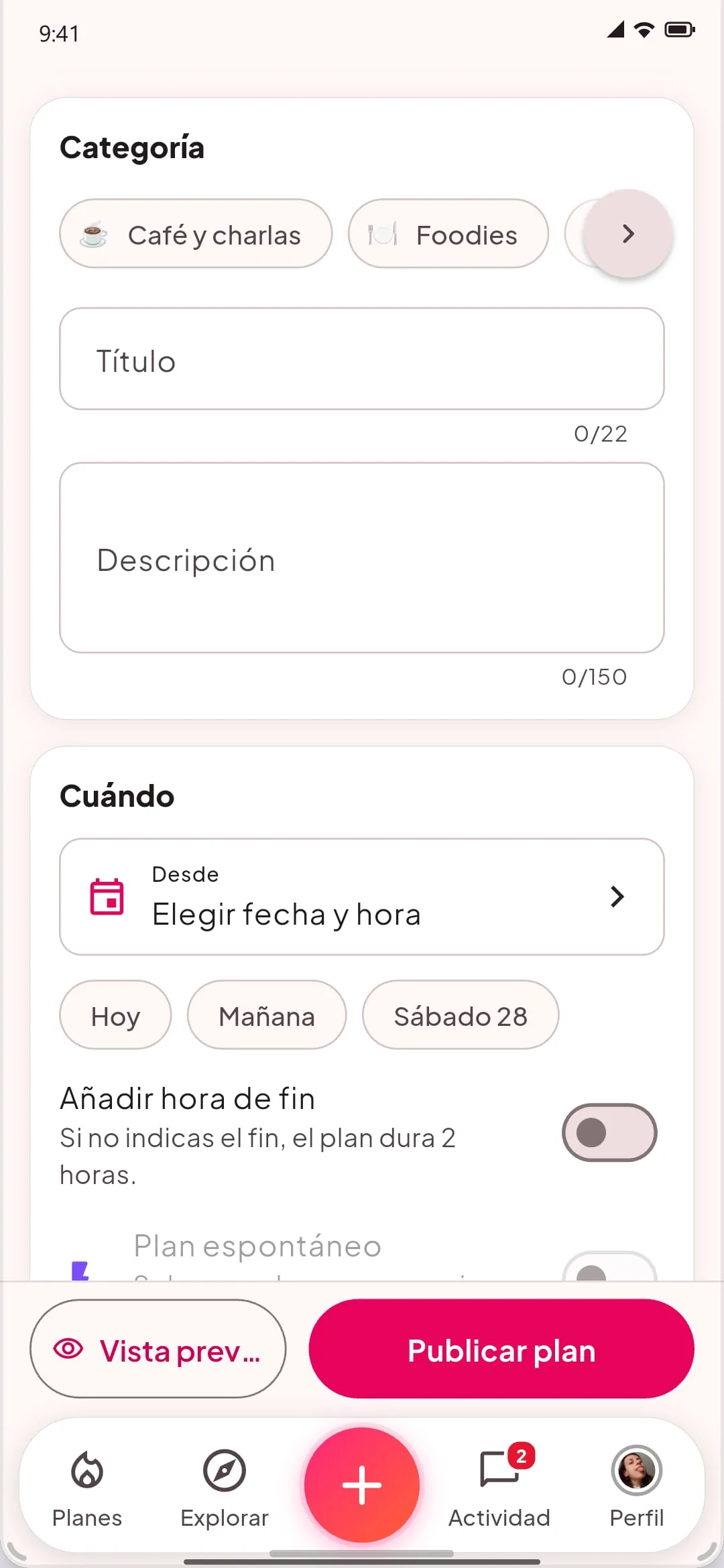
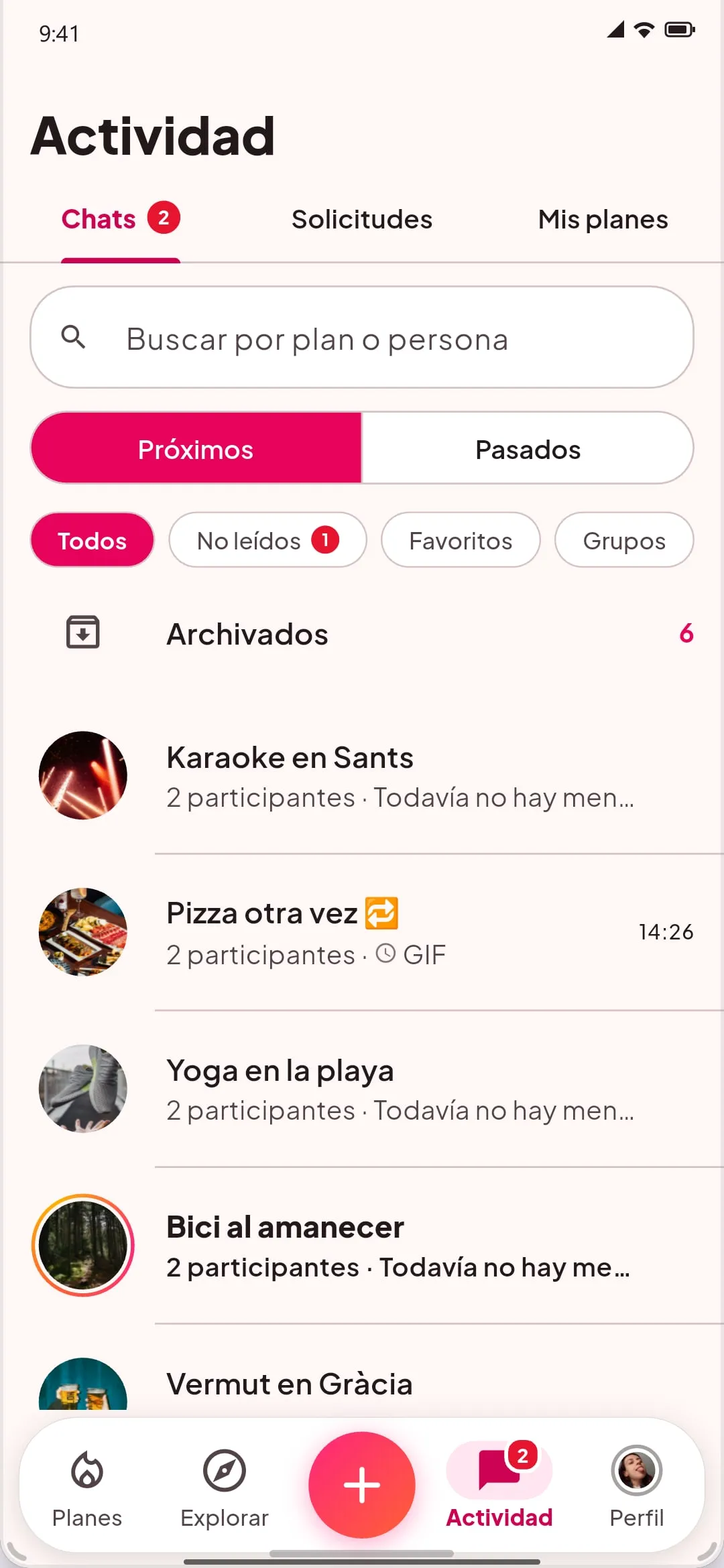
Create
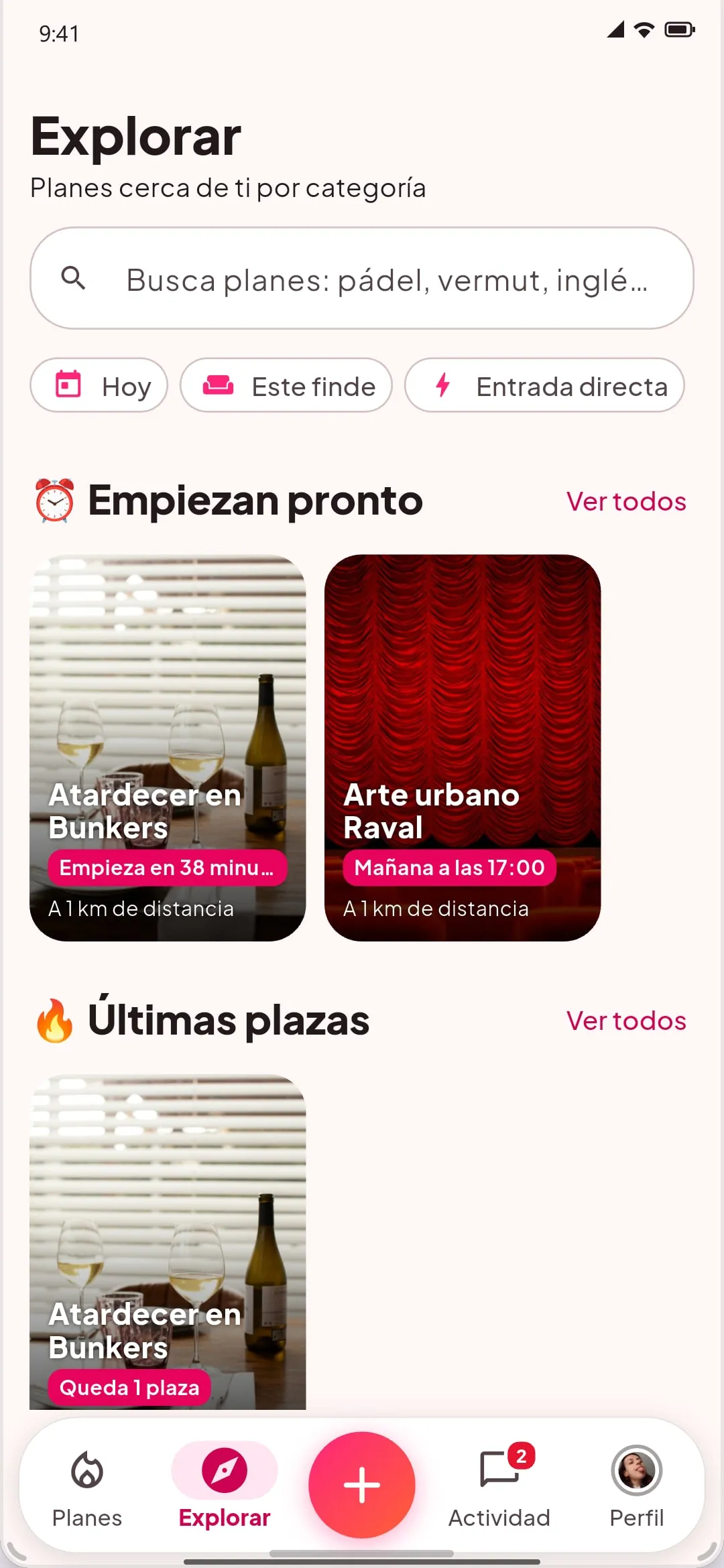
Got a plan in mind? Create it in a minute.
Pick a category, add a title, date, place and photo. You decide how many people and whether to approve each one or accept them automatically.
+Up to 40 people, age, languages and much more.
Categories
There's a plan for every day
Fifteen categories for whatever you feel like today.
-


Coffee & chats
-


Foodies
-


Social
-


Dates
-


Sports
-


Culture
-


Creativity
-


Nature
-


Travel
-


Family
-


Pets
-


Networking
-


Nightlife
-


Unique experiences
-


Spontaneous plans





























Trust
People here actually show up
Real plans, real people.
- Adults only (18+).
- Report and block anyone in one tap.
- Human moderation of verifications and reports.
- GDPR-compliant data protection; the verification selfie is deleted after review.
- Measures against duplicate accounts and bots.
Share
Share the plan, bring your friends
Send your plan on WhatsApp or Instagram. Anyone who opens the link will see the plan and can download the app.
Download
Your next plan is one swipe away
Download Planch for free and find today's plan.
Adults only (18+).
Help
Frequently asked questions
What is Planch?
An app to create and join plans with people near you.
Is it free?
Yes, downloading and using Planch is free.
Why do I need to verify with a selfie?
So that every profile is real. You can browse plans without verifying, but you need it to join or create plans.
What happens if I don't show up to a plan?
You get a no-show: the first one is a warning, then there are temporary blocks that get longer. You can appeal if something went wrong.
Can I leave or cancel a plan?
Yes. Whether you joined it or created it, with 48 hours' notice or more there's no penalty. With less, it adds a cancellation to your track record.
Can I use my account on several phones?
Only on one at a time, but you can switch phones from the app.
How do I block or report someone?
From Profile > Matches or from the chat menu.
Which cities is it available in?
At launch, in the Barcelona and Madrid metropolitan areas; we'll be adding more.
How do I delete my data or my account?
From Profile > Settings: "Download my data" and "Delete account".
Which languages is it in?
Spanish and English.
Coming soon
- Ratings after each plan
- Streaks and badges
- Repeat with the same group